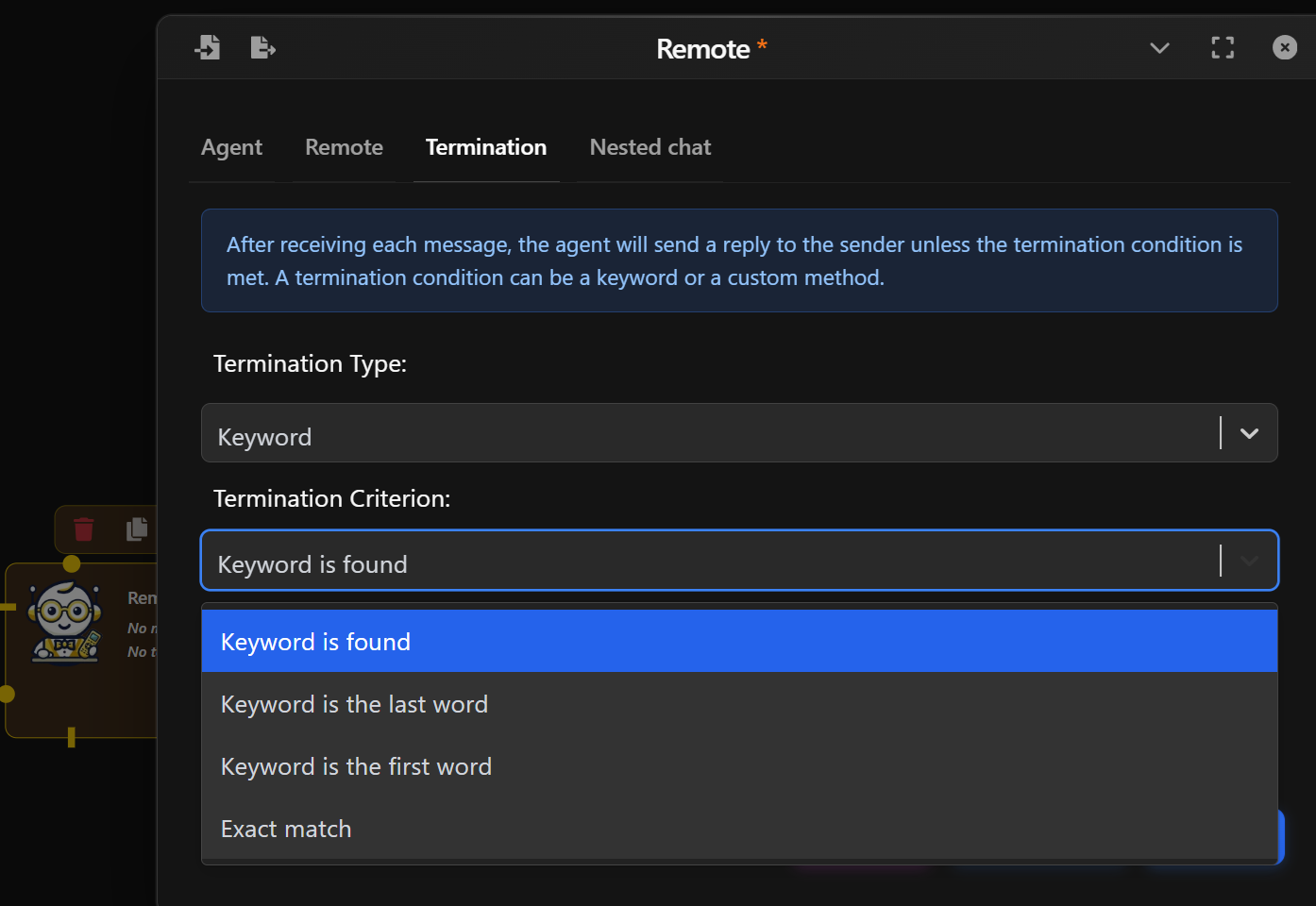
Remote Agent
⚠️ NOTE: This is a feature in an upcoming version of Waldiez.
The Remote Agent lets a Waldiez workflow talk to an agent running outside the local environment (i.e. another process, another machine, or a hosted service) using A2A (Agent-to-Agent) protocol.
This makes it possible to:
- Run specialized agents as services (RAG, coding, moderation, tool servers).
- Offload compute-heavy workloads to external machines or GPUs.
- Integrate agents ownned by external teams.
Basic Setup
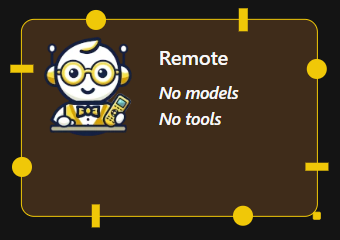
In the Agent tab, configure the agent's identity and conversational behavior:
- Name & Description: Customize how the agent is labeled in your flow.
- System Message: Define the agent's behavior or role.
- Human Input Mode: Whether to ask for human inputs every time a message is received. Possible values are:
- Always: The agent prompts for human input every time a message is received. Under this mode, the conversation stops when the human input is "exit", or when is_termination_msg is True and there is no human input.
- Terminate: The Agent only prompts for human input only when a termination message is received or the number of auto reply reaches the max_consecutive_auto_reply.
- Never: The agent will neever prompt for human input. Under this mode, the conversation stops when the number of auto reply reaches the max_consecutive_auto_reply or when is_termination_msg is True.
- Max Consecutive auto reply: The maximum number of consecutive auto replies (i.e., when no code execution or LLM-based reply is generated). Default is None (no limit provided). When set to 0, no auto reply will be generated.
- Defautl Auto Reply: Set a Default auto reply.
Remote Settings
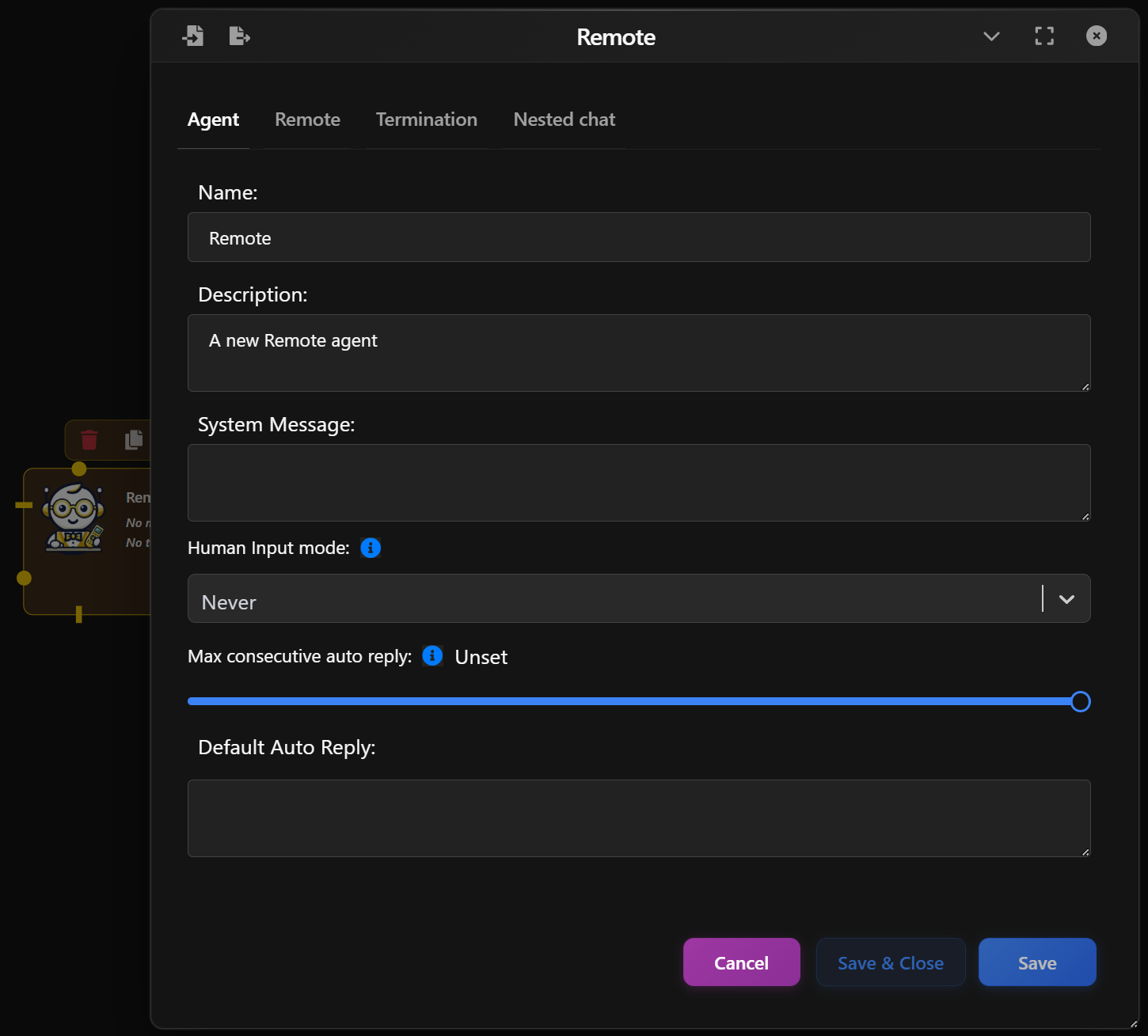
In the Remote tab, configure how Waldiez connects to the external A2A server:
- Server URL: This is the address of the remote agent service.
- Max Reconnects: Maximum number of retry attempts if the connection drops before failing.
- Polling interval: Time between polling requests when the remote server does not support streaming
- Silent: Whether to print the message sent to the server.
- Custom headers: Additional headers to use when connecting to the server.
Termination Conditions
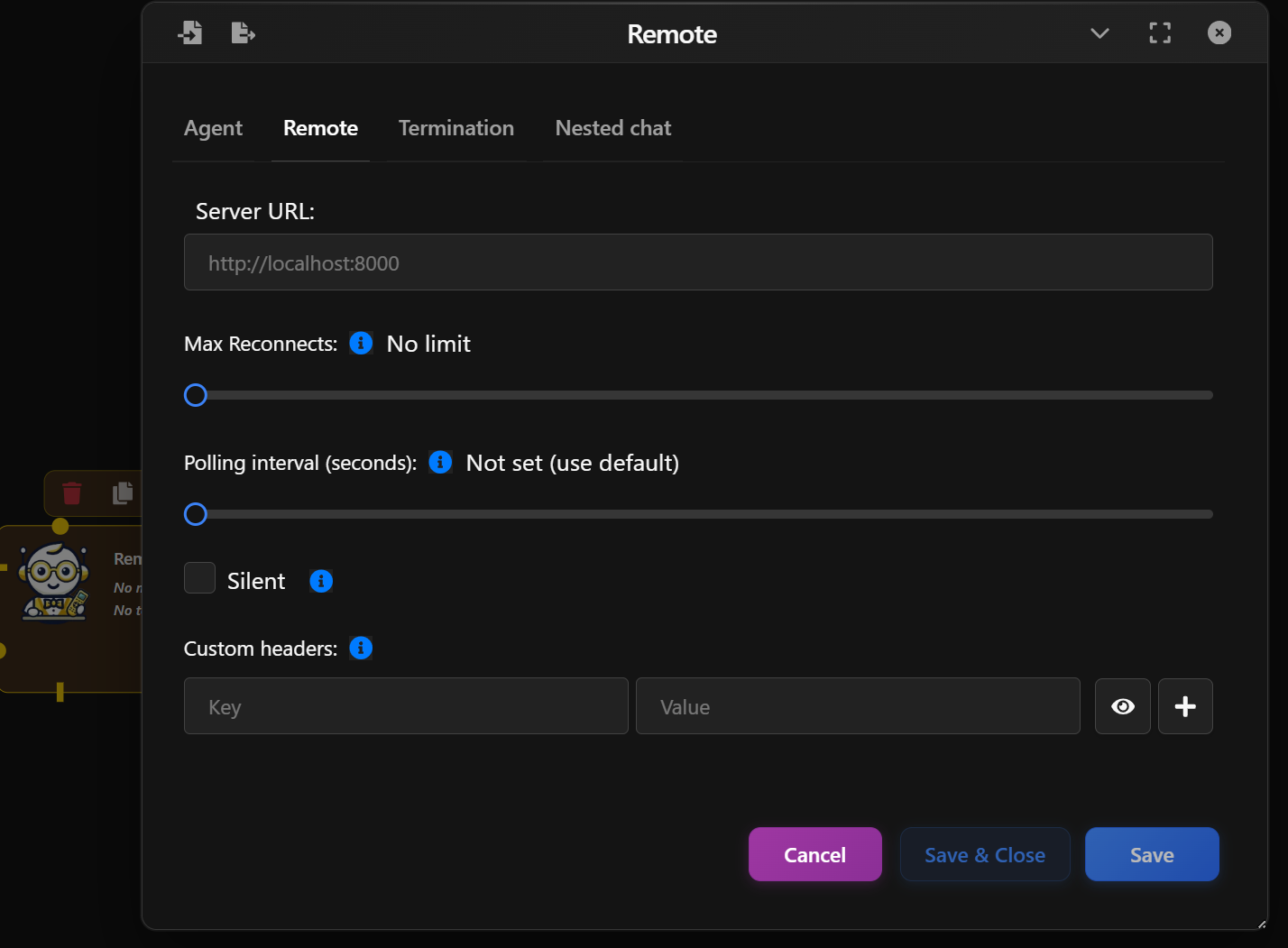
Control if and when the Agent should stop responding:
- By Keyword: Stop when specific keywords are found (e.g., “stop”, “done”).
- By Method: Use a custom Python function to decide when to stop.
Examples:
- "Keyword is found" — stops when a phrase appears.
- "Exact match" — stops only if the reply is exactly the keyword.